 Skip to content



Reduce Box Printing Cost.
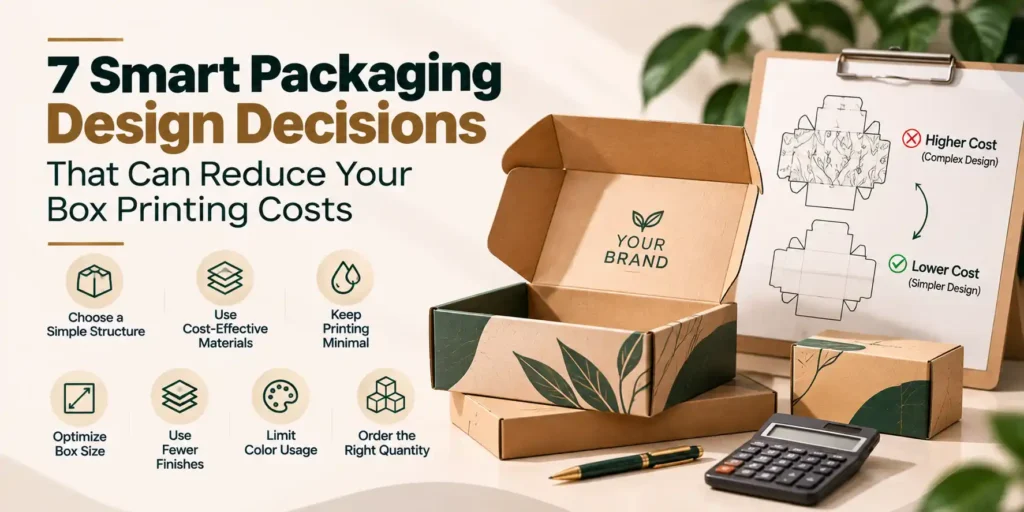
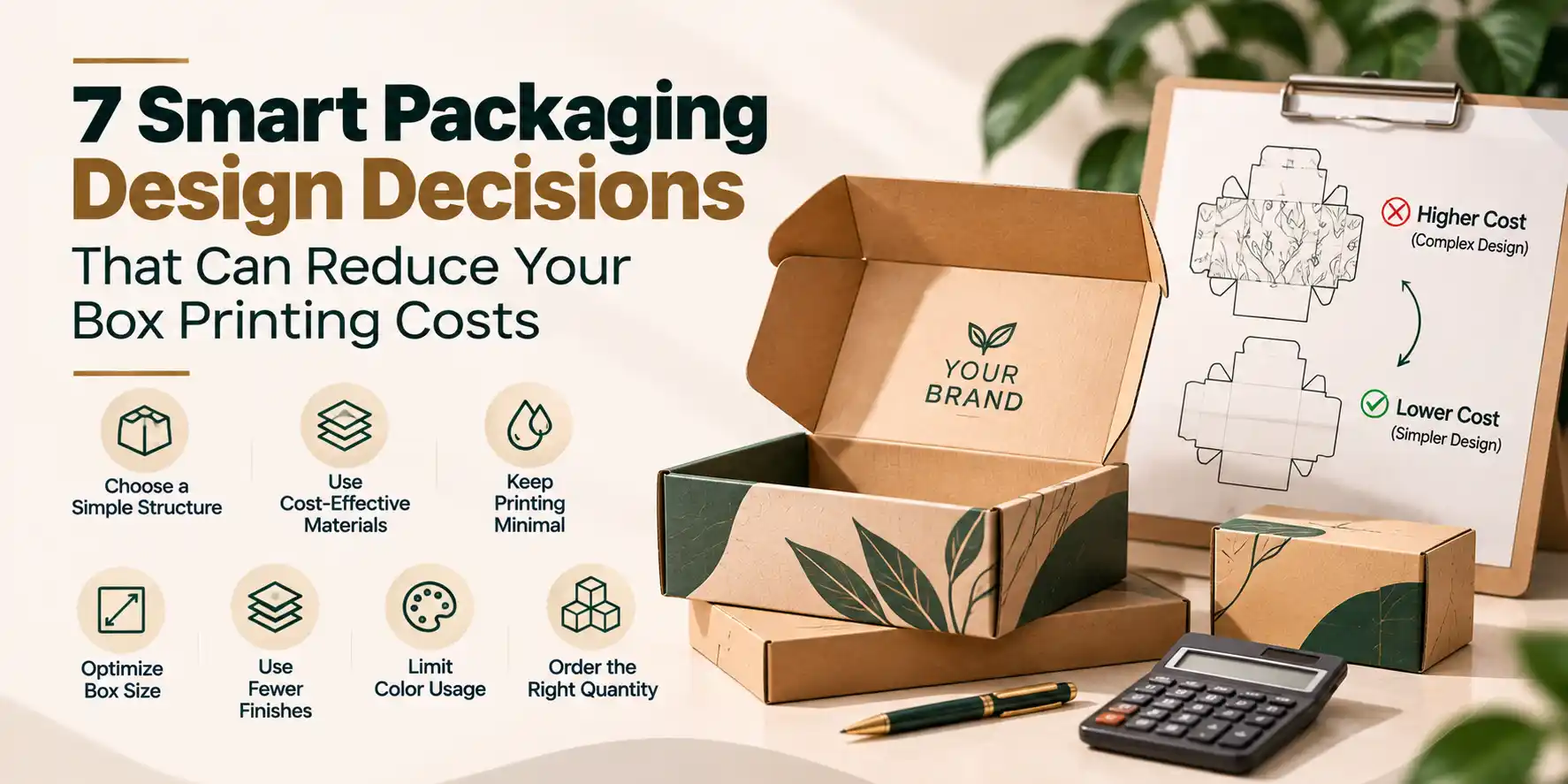
You can lower custom box printing costs mostly through design choices, not by settling for a cheaper-looking box. The biggest levers are how many colors you print, how much of the box is covered in ink, which finishes you add, which print method fits your quantity, and how clean your artwork is before it reaches the printer.
Printing is often where a custom box quote grows fastest, because each extra color, effect, and revision adds a step. The good news is that a simple, confident design often looks more professional than a crowded one. Here are seven decisions that save money and protect your brand.
Key Takeaways
- Fewer colors and less ink coverage usually mean a lower print cost.
- One well-chosen finish beats several stacked effects.
- Match the print method to your quantity. Digital generally suits small runs, and offset generally suits larger ones.
- Printing only the outside, or only the parts customers see first, can cut cost.
- Clean, print-ready artwork prevents reprints and rush fixes, which are avoidable costs.
- Always check each decision with your supplier, since pricing rules differ by printer.
Why Design Choices Change Printing Cost
Reduce Box Printing cost comes from setup work, materials, and machine time. Design decisions affect all three:
| Design choice | What it can change |
|---|---|
| Number of colors | Plates or print passes needed |
| Ink coverage | Amount of ink and drying or coating needs |
| Finishes | Extra production steps |
| Print sides | Whether the inside is printed too |
| Structure and size | Board used and tooling required |
| Artwork quality | Risk of corrections, delays, and reprints |
Small changes at the design stage cost nothing to make and can save real money at the quote stage.
Custom box printing options → https://packagingisland.com/blog/
1. Limit Your Color Palette
Every color in a design can add cost, depending on the print method.
In offset printing, full-color (CMYK) uses four inks. A design built around one or two solid brand colors may need fewer inks, which can reduce setup and cost. Adding extra specialty colors adds more.
How to apply it:
- Build your design around one or two brand colors.
- Use a single strong color on kraft or white board for a bold, intentional look.
- Avoid gradients and photographic images unless they are central to the brand.
- Ask your supplier whether a one- or two-color design is cheaper than full color for your quantity.
A limited palette is also easier to keep consistent across print runs.
2. Reduce Ink Coverage
Reduce Box Printing cost Large solid areas of color use more ink and can make the print more sensitive to scuffing, uneven coverage, and color variation.
Ways to reduce coverage:
- Let the natural color of the board show. Kraft and white board are part of the design, not a blank to fill.
- Use a logo, pattern, or text instead of a full flood of color.
- Print a bold panel on the lid and leave the sides plain.
- Use white space deliberately. It makes designs look cleaner and more premium.
Less coverage can also mean a lighter-feeling, more modern design, which many buyers prefer.
3. Choose One Finish, Not Five
Finishes such as lamination, foil, embossing, debossing, and spot gloss each add steps. Stacking several can raise cost quickly and does not always raise perceived quality.
A practical approach:
- Pick the one finish that supports your brand most. For example, a matte look for a calm, upscale feel, or a single foil logo for a premium accent.
- Apply it only where it will be noticed, such as the logo or lid, rather than across the whole box.
- Skip finishes that the customer will not see or feel.
- Ask which finish your supplier recommends for durability in shipping, since some surfaces scuff more than others.
4. Match the Print Method to Your Quantity
Print method affects setup cost and cost per unit.
- Digital printing: little setup, so it generally suits small runs, test batches, and designs you may change.
- Offset printing: more setup, so it generally suits larger runs where the setup cost is spread across many units.
If you order a small quantity with offset, setup can dominate the cost. If you order a large quantity with digital, the unit price may be higher than offset. Ask your supplier where the break-even point is for your design.
5. Print Only Where It Counts
Think about where the customer actually looks and touches.
- Outside only: if your budget is tight, leave the inside plain. A clean kraft or white interior is perfectly professional.
- Lid focus: put your strongest branding on the lid or front panel, which the customer sees first.
- Selective interior: if you want a surprise, print only the inside of the lid, not the whole interior.
- Sleeve or sticker: a printed belly band, sleeve, or label on a plain box can give you branding with less printed area. It is also a flexible way to create variants.
Spend on the moment of first impression and the moment of opening. Save on the parts nobody notices.
6. Simplify Structure and Stay Close to Standard Sizes
Printing cost is tied to the box itself. A simpler structure often means less material, less assembly, and fewer production steps.
Ways to simplify:
- Choose a standard structure such as a mailer, folding carton, or tuck-end box before considering custom shapes.
- Avoid unnecessary window cutouts, extra panels, and add-ons unless they serve a purpose.
- Ask your supplier whether they have existing tooling for sizes close to yours. A small size adjustment may avoid new tooling cost in some cases.
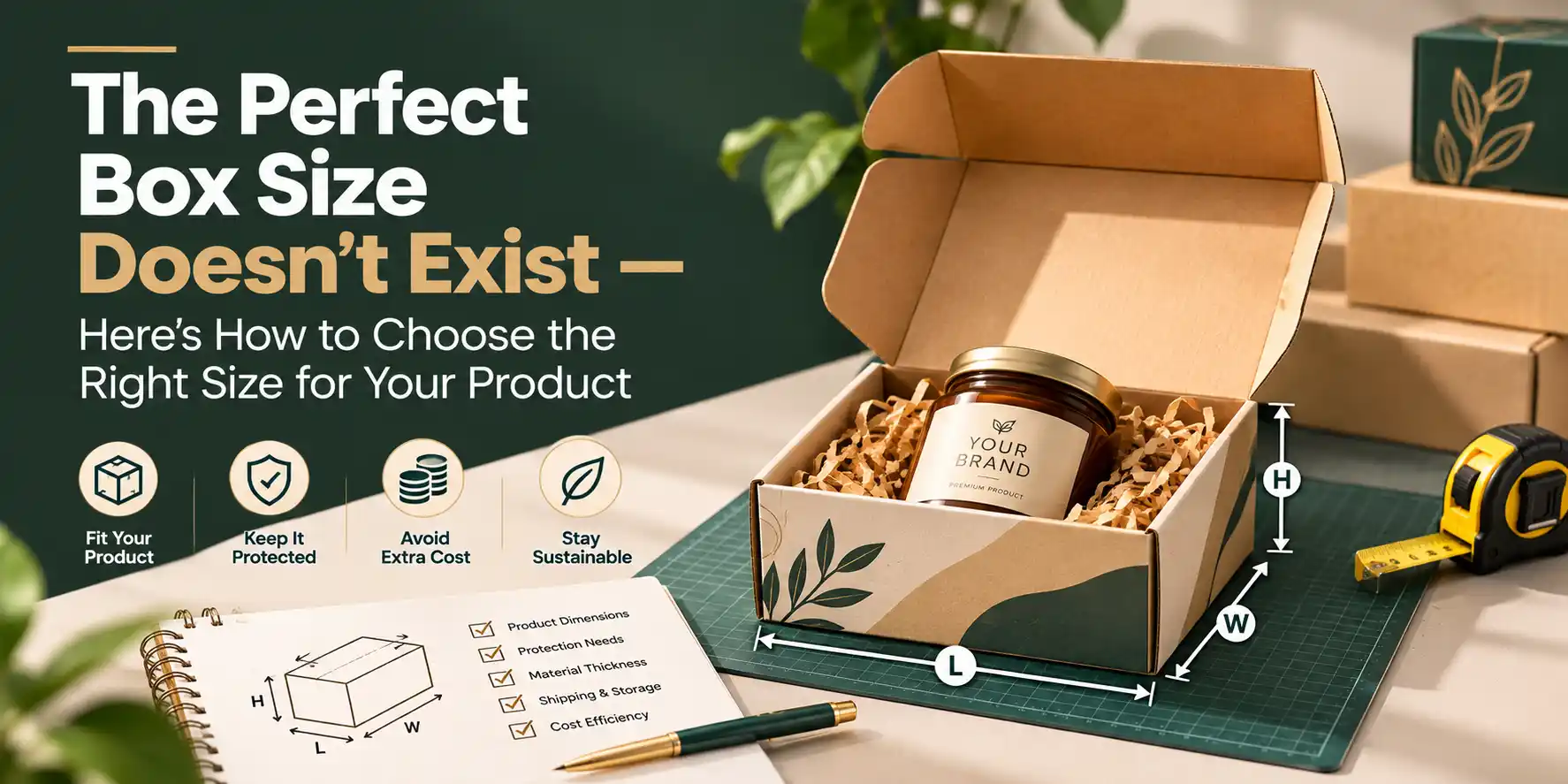
- Right-size the box. A smaller box uses less board and often prints more cheaply. How to Choose the Right Box Size
7. Prepare Clean, Print-Ready Artwork
Artwork problems are a hidden cost. Corrections take time, can delay production, and in the worst case lead to a reprint.
Checklist for print-ready files:
- Start from your supplier’s dieline template for the exact box size.
- Keep text and logos inside the safe margins.
- Extend backgrounds into the bleed area.
- Use vector logos and high-resolution images.
- Convert text to outlines or embed fonts.
- Build the file in a print color mode and expect small differences from screen color.
- Name layers and panels clearly.
If you sell several variants, consider one base box with a small variable element (a sticker, sleeve, or label) instead of printing a separate box design for each. This can reduce the number of artwork versions and the stock you must hold.
What Not to Cut
Saving money should not damage the box or the brand. Be careful with:
- Strength: do not reduce board strength below what your product weight and shipping route need.
- Fit: do not shrink the box so far that the product is crushed or the lid will not close.
- Legibility: keep logos and text clear and readable at actual size.
- Consistency: a plain box with a clear identity beats a busy box that looks different every batch.
- Required information: product details, barcodes, and regulatory text must stay legible and in the right place for your market.
Quick Savings Checklist
- Design built around one or two brand colors
- Large solid color areas reduced
- One finish chosen, applied selectively
- Print method confirmed for your quantity
- Printing focused on lid and outside
- Standard structure and sensible size chosen
- Dieline-based, print-ready artwork prepared
- Variants handled with stickers, sleeves, or labels where possible
- Quotes compared from one spec sheet
Frequently Asked Questions
How can I reduce custom box printing costs?
Limit colors, reduce ink coverage, choose one finish, print mainly on the outside, match the print method to your quantity, and send clean print-ready artwork. Ask your supplier which of these changes lowers the price for your exact design.
Does printing more colors cost more?
Often yes, because additional colors can mean extra inks or print passes. A design built around one or two colors may cost less than full color, but the answer depends on your print method and quantity, so confirm with your supplier.
Is it cheaper to print only the outside of a box?
Usually, yes. Leaving the inside plain reduces printed area. A clean plain interior can still look professional, and you can add a small printed element, such as a card or sticker, for a branded opening.
Is digital or offset printing cheaper?
It depends on quantity. Digital printing generally suits smaller runs because setup is light. Offset printing generally suits larger runs where setup cost spreads across many boxes. Ask for quotes on both at your quantity.
Do finishes like foil and embossing add a lot of cost?
Each finish adds a production step, so stacking several can raise cost. Using one finish on one area, such as a foil logo on a lid, gives a premium look with less added cost.
Can I print different designs for different products on the same box?
Yes, you can use a plain base box with printed stickers, labels, or sleeves for each variant. This can reduce the number of full box designs you need to print and store.
Will a simpler design look cheap?
Not if it is done well. A limited palette, clean layout, strong logo, and good use of white space often look more premium than a crowded design.
How to order custom packaging step by step.
Conclusion
Lower printing costs come from deliberate design choices made before you request a quote.
- Limit your color palette.
- Reduce ink coverage.
- Choose one finish.
- Match the print method to your quantity.
- Print only where it counts.
- Simplify the structure and stay near standard sizes.
- Send clean, print-ready artwork.
Want a design that looks premium and stays on budget? Send us your product, box style, and quantity. We’ll suggest print and finish options that fit your brand and your budget, and prepare print-ready artwork for you.
